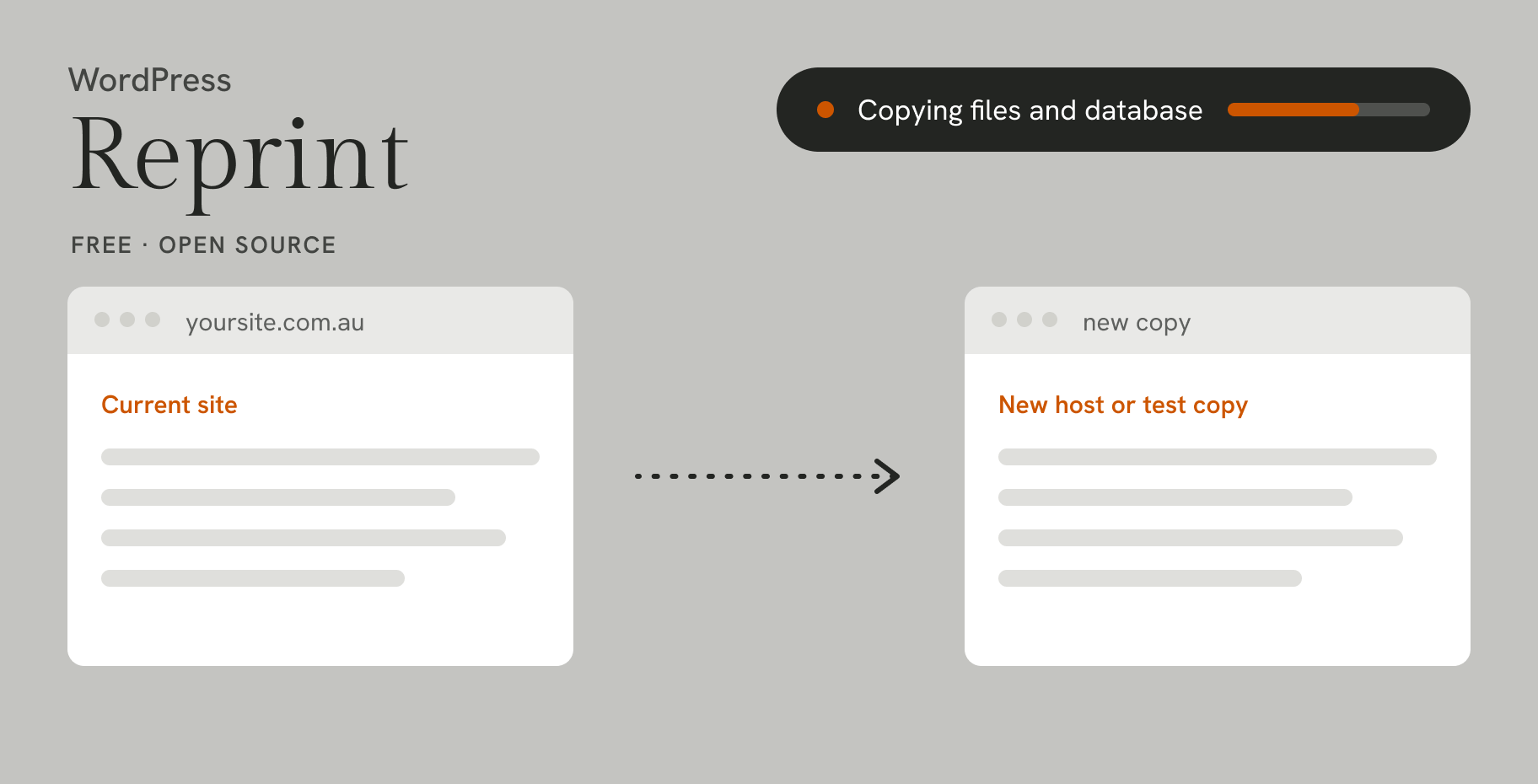
WordPress has released Reprint, a free, open-source tool that copies a whole WordPress site, files and database, to another computer or server. It was announced on WordPress News on 13 November 2026 and is available now in the WordPress.org Plugin Directory, along with a command-line client.
What it does
Reprint copies everything a site move needs: your theme, plugins, uploads and settings, plus the database. As it copies, it updates links that point to your old address so they point to the new one. That includes links in settings, blocks and shortcodes, and in trickier data such as serialised data and custom fields, which is where site moves often break.
- No middleman. Files and the database go straight to the computer or server you choose, piece by piece, without an external service. The old host doesn’t need to create an archive of the whole site first.
- It picks up where it left off. If the connection drops, the copy resumes from the last saved point.
- Repeat copies are quicker. On later runs, Reprint copies only what has changed.
Two ways to use it
Moving hosts. Copy the site to the new host and check it there while visitors still use the original. Then pause changes on the old site, make a final copy and point your domain to the new host.
Testing changes. Make a local copy to try a new layout, test a plugin or check the site still works after a WordPress update, without touching the live site.
Worth knowing: there’s also an experimental version in WordPress Playground that lets you try Reprint in your browser on a sample site, with nothing to install.
What this means for your business
Moving a WordPress site has often relied on third-party migration plugins or manual work. A free, official tool lowers that barrier, and resumable, change-only copying makes it more practical for larger sites.
A few things to keep in mind:
- Reprint copies a site. It isn’t a backup plan, so keep your regular backups running.
- Moving hosts involves more than files. Your domain settings, SSL certificate and email need planning too.
- Try it on a test site first. The WordPress announcement itself recommends working with a test site you manage.
Need a hand?
The team at Novu Creative can plan and run a move to a new host, or set up a test copy so you can try changes safely before they go live. Get in touch and we’ll take a look.