There’s a tick box in WordPress that tells Google to stay away. It’s handy while a site is being built, and easy to forget once it goes live. Leave it ticked and your new site can sit out of Google’s results without anyone noticing.
It’s one of 14 things our free Website Check looks at. You don’t need a developer to understand any of them, and most are quick to fix once you know they’re there. Here’s what we check, why each one matters, and how to test your own site.
Watch: the three questions behind our Website Check (1 min 30). Prefer YouTube? Watch it there.
Google and AI both need to read your site
When someone looks for a clinic, a studio or a local service, Google isn’t the only place they go. AI assistants such as ChatGPT and Google’s AI Overviews answer questions and suggest businesses too.
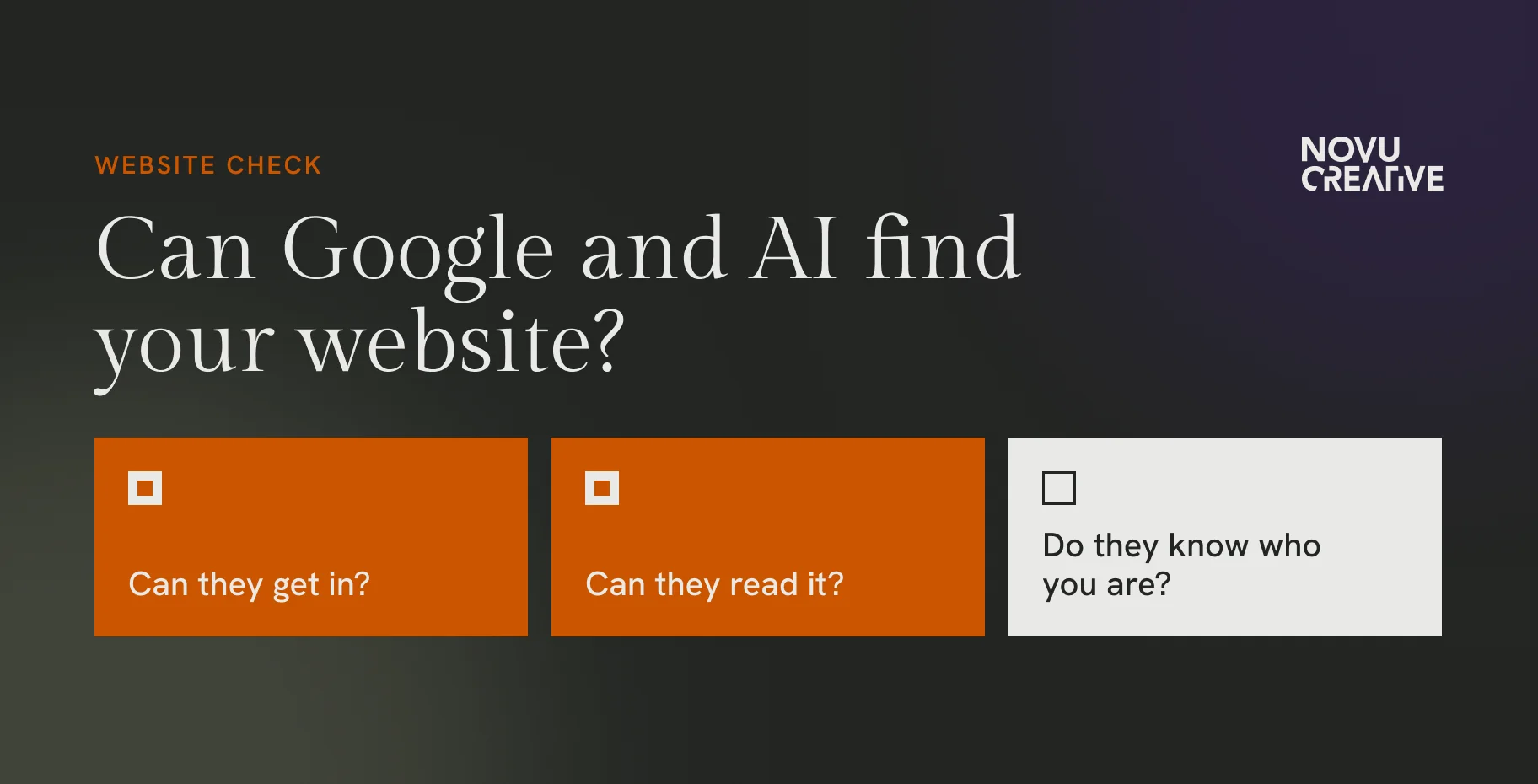
Either way, the tool has to reach your site, make sense of it and work out who’s behind it. We boil that down to three questions:
- Can they get in?
- Can they read it?
- Do they know who you are?
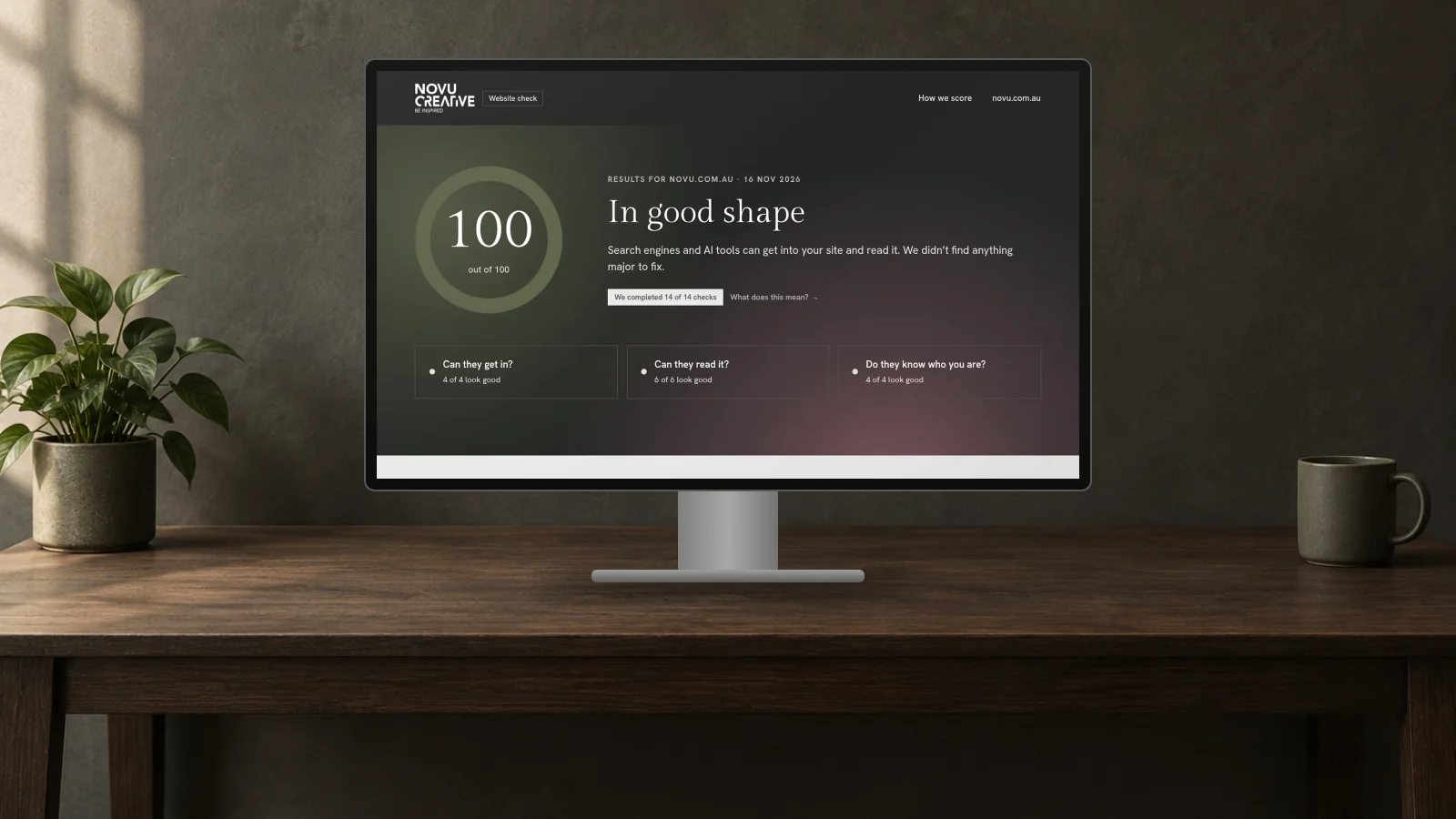
Each question has a set of checks, and each check is worth points. Together they add up to a score out of 100.
Can they get in?
If search engines and AI tools can’t get through the door, nothing else counts.
-
AI search tools can visit your site
15 pointsA small file called robots.txt tells visiting tools what they’re allowed to see. Some themes, plugins and security settings block AI search tools without you knowing. Make sure yours lets the main ones in.
-
Google has a list of your pages
8 pointsA sitemap lists every page so search engines don’t miss any. SEO plugins like Rank Math or Yoast can create one for you. Check it’s switched on.
-
Your site is secure
6 pointsYour site should load over a secure connection, the one that shows the padlock in the address bar. Many hosts include this at no extra cost.
-
Works well on phones
4 pointsPages should be built to fit phone screens, not a desktop layout shrunk down.
The one that caps your score
If a setting is telling Google not to list your site, we cap your score at 30 and show a warning at the top of your report. It’s the most important fix on the list.
On WordPress, go to Settings > Reading and make sure “Discourage search engines from indexing this site” is unticked.
Can they read it?
Getting in is step one. Next, tools need to understand what’s on the page.
-
Your words load without extra tech
15 pointsSome sites build their text with code after the page loads. People see it fine, but a tool reading the page quickly may see very little. Your key words should be there from the start.
-
Clear page title
6 pointsThe title shows in browser tabs and as the link in Google. Make it say what the page is about, like “Skin treatments in Surry Hills | Your Clinic”.
-
Page summary for Google
6 pointsThis is the short blurb under your link in search results. Write a sentence or two for each key page.
-
Images are described
6 pointsShort descriptions, called alt text, tell tools what an image shows. They help people using screen readers too.
-
One main heading
4 pointsEach page should have one clear main heading that says what it’s about.
-
Headings in a sensible order
3 pointsSubheadings should follow a logical order, like chapters in a book, rather than being picked for how big they look.

Do they know who you are?
The last question is about who’s behind the site. Clear business details make it easier for search engines and AI tools to connect your website to your business.
-
Business details labelled for search engines
12 pointsYour name, address and phone can be marked up in a format search engines read, called schema. Visitors never see it, but tools do.
-
Contact details are easy to find
6 pointsA Contact page or phone number people can spot quickly.
-
About page is easy to find
5 pointsA page that explains who you are and what you do.
-
Links to your social profiles
4 pointsConnecting your site to your official social accounts helps tie it all together.

What we don’t score, and why
A few things show up in your report without changing your score:
- New AI files and connections. We show whether you have them, but they don’t change your score.
- Blocking AI training tools. Some businesses choose to keep their content out of AI training. That’s a business choice, not a mistake, so we don’t take points off.
- Speed, design and content quality. These need a person to judge properly.
If your site’s security tools block our checker, we leave those checks out rather than marking you down.
The score is our own checklist and opinion, based on what helps service businesses get found today. It’s not an industry standard, and no checker can promise AI will recommend you. What it does is show you the basics worth getting right. You can see exactly how we score at check.novu.com.au/how-we-score.
Check your site for free
Our Website Check only looks at the public pages anyone can see. You don’t log in, and we don’t change anything.
- Pop in your web address, like yourclinic.com.au.
- See your score out of 100 and a quick summary straight away.
- Add your email to see every fix, step by step, and we’ll send you a copy.
Need a hand?
If your report turns up fixes you’d rather not tackle yourself, the team at Novu Creative can sort them for you, whatever platform your site is on.
FAQ
Is the Website Check really free?
Yes. You’ll see your score straight away. Add your email and we’ll show you the full report and send you a copy, at no cost.
Do you need access to my website?
No. We only look at the public pages anyone can see, the same way a search engine would.
Will a better score get me recommended by AI?
No checker can promise that. The checks cover the basics that make your site easier for search engines and AI tools to find and understand.
Why does my report say “couldn’t check”?
Some websites use security tools that block checkers like ours. When that happens, we leave those checks out rather than marking you down.
What do you do with my email?
We use it to send your report. We’ll only send you tips and offers if you tick the box to say that’s OK, and you can unsubscribe anytime.