Event branding fails in a predictable way. The identity looks great in the style guide, then the event arrives and the stage screen doesn’t match the Instagram tiles, the sponsor logos are squashed onto a banner nobody proofed, and the lanyards are the wrong green because a printer guessed. The problem is rarely the design; it’s that nobody listed every touchpoint at the start.
Here’s the checklist we use, built from delivering events like FILEX, the Cutera University Clinical Forum across five countries, and the National Sports & Physical Activity Convention. Work through it before your identity is signed off, because the identity has to survive every item on it.
1. The identity system (build this first)
- Event logo and mark, with horizontal, stacked and icon-only versions
- Colour palette with print (CMYK/PMS) and digital (RGB/HEX) values locked
- Typography, including a licensed webfont and a system fallback for slides
- Graphic devices: patterns, shapes or textures that extend the brand when the logo isn’t enough
- Photography and image treatment style
- Co-branding rules: how your event brand sits with the parent organisation and sponsors
- A master style guide, even two pages, so every supplier works from the same rules
The test: the identity must work as a 32-pixel favicon and a 12-metre stage backdrop. If it only works at one size, it’s not an event brand yet.
2. Digital touchpoints
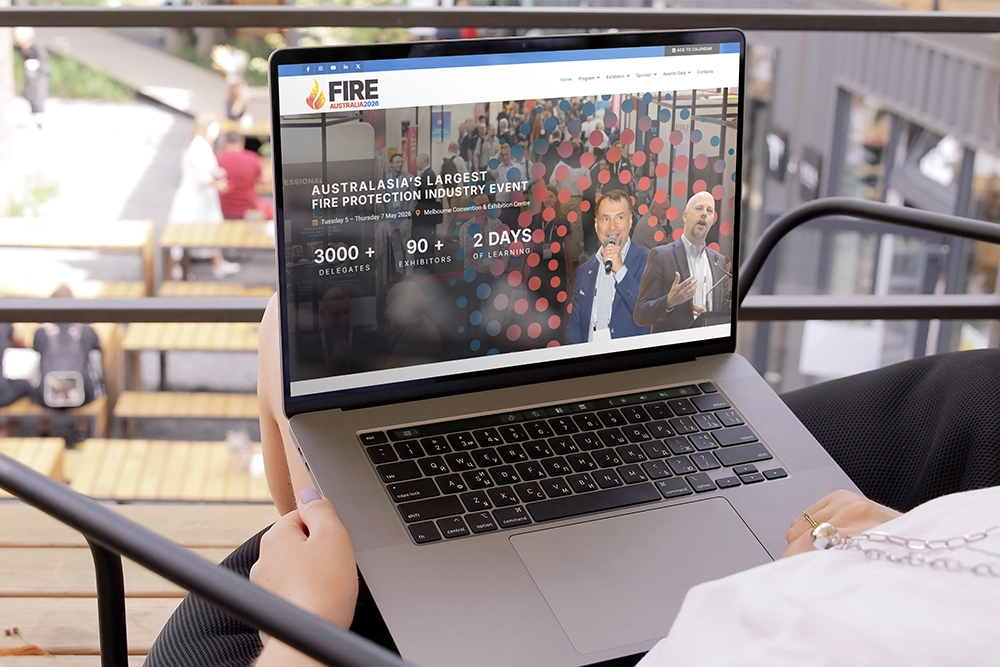
- Event website or landing page: program, speakers, venue, FAQ, ticketing integration
- Registration and ticketing pages styled to the brand, not the platform default
- Email templates: announcement, nurture, confirmation, pre-event logistics, post-event
- Social profiles or handles, cover images and bio copy
- Social content templates: speaker cards, countdowns, quote tiles, sponsor thank-yous, stories formats
- Paid ad creative in every placement size you’ll actually buy
- Event app or digital program styling, if used
- Zoom/stream backgrounds and lower-thirds for hybrid or recorded sessions
- Calendar invite and email signature banners for your own team
3. Campaign and sales assets
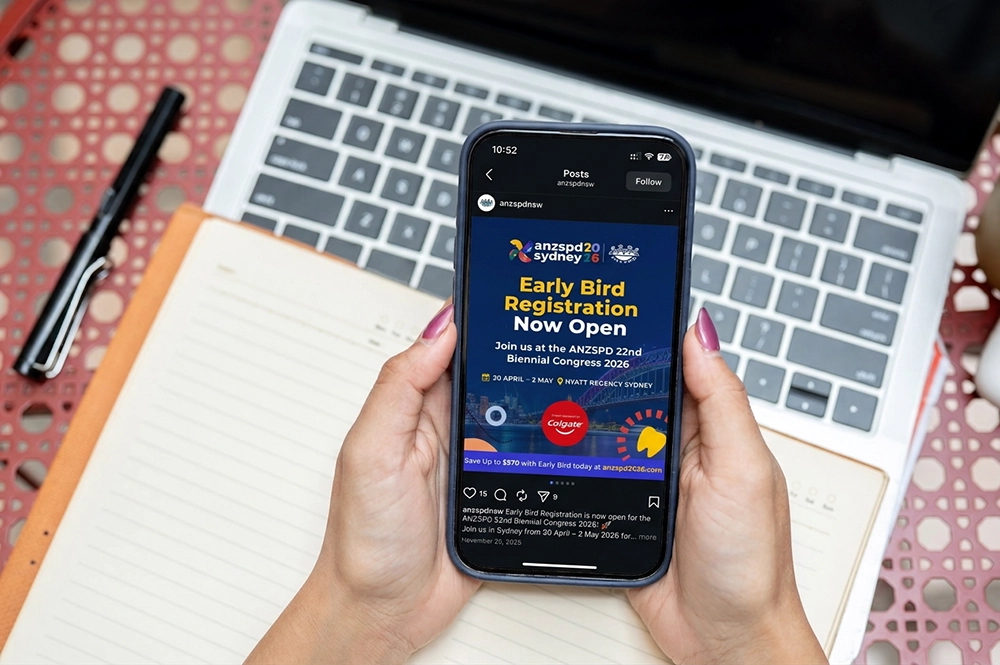
- Announcement creative and launch video or motion tile
- Early bird, speaker reveal and last-call campaign variants
- Sponsorship prospectus, usually the first document ever produced, so it sets the brand’s first impression
- Exhibitor and partner kits: logo files, approved copy, promo tiles they can share
- Media/PR kit with imagery and boilerplate
4. Print and collateral
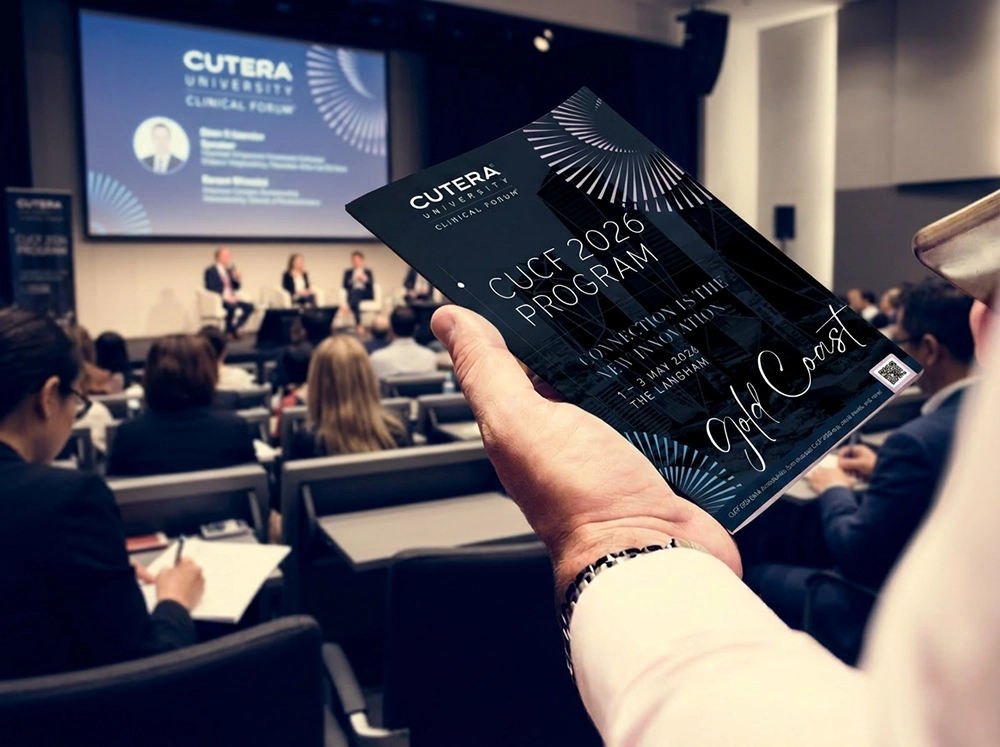
- Program or agenda booklet
- Tickets or confirmation documents
- Name badges and lanyards
- Delegate satchel or welcome pack items
- Speaker and VIP gifts
- Notepads, table talkers, menu cards for catered sessions
- Certificates of attendance (critical for CPD events)
5. Environmental and on-the-day
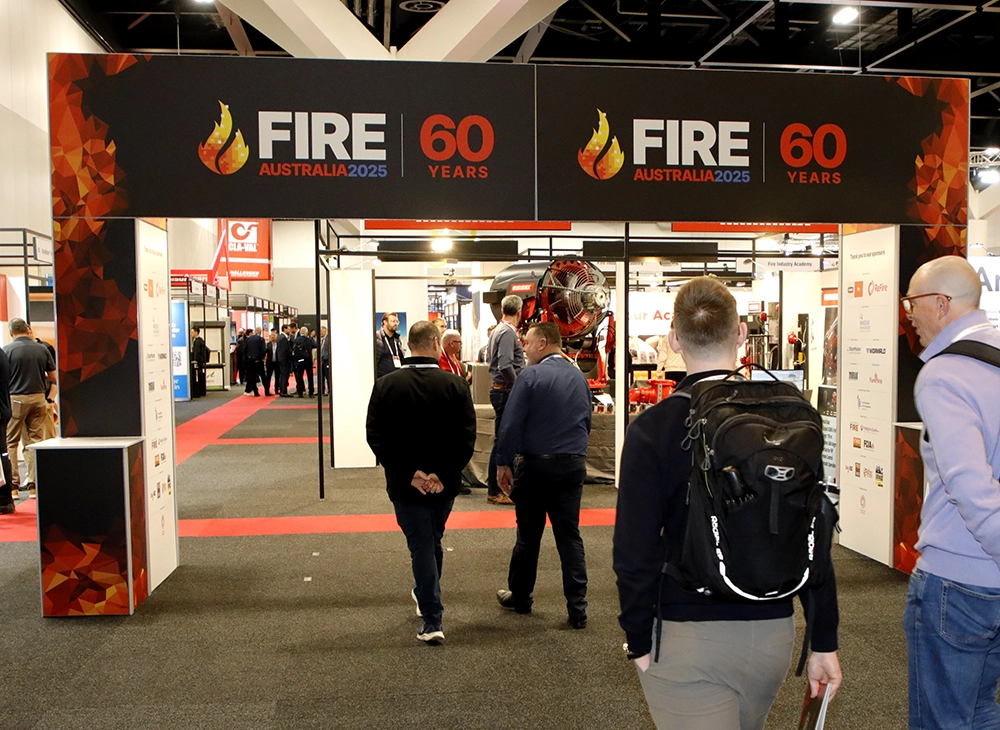
- Entrance signage and registration desk graphics
- Wayfinding: directional signs, room names, session boards
- Stage set and screen graphics: holding slides, session title slides, walk-in loops
- Speaker slide template, distributed to presenters early with rules attached
- Media wall or photo backdrop
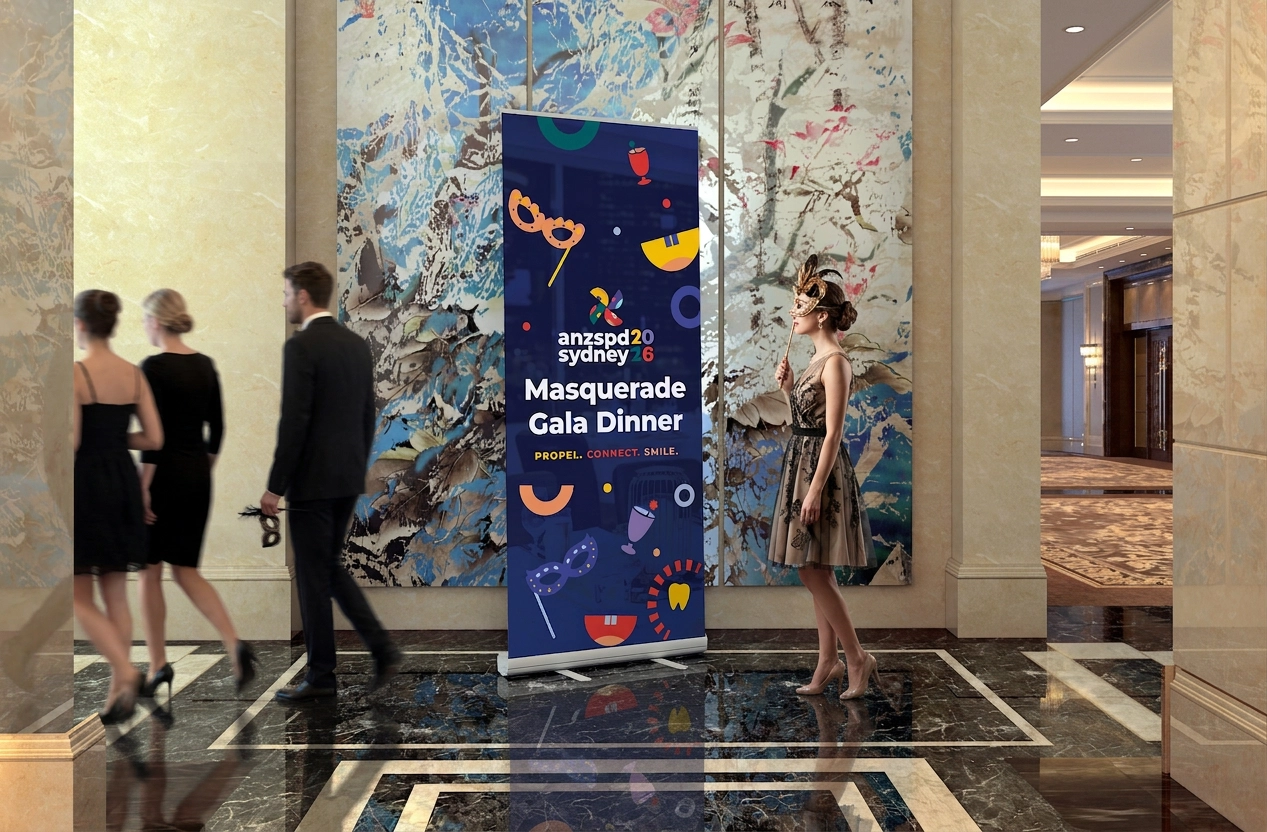
- Pull-up banners and flags
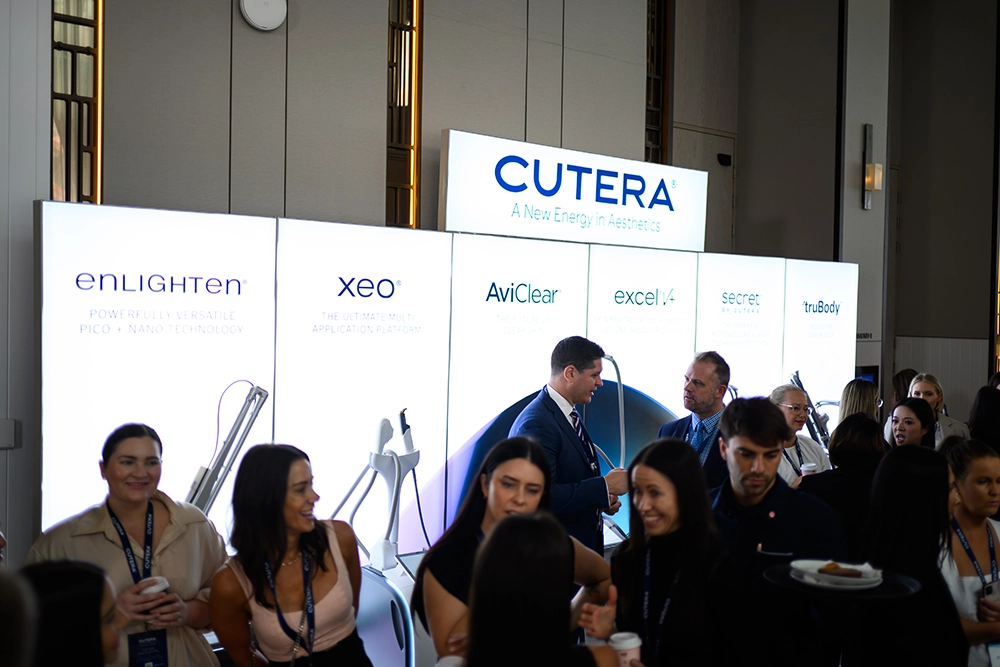
- Exhibitor stand graphics and sponsor recognition signage
- Uniforms or crew identification
- AV screens: check every resolution and aspect ratio the venue runs, before print deadlines
6. Post-event (planned before, not after)
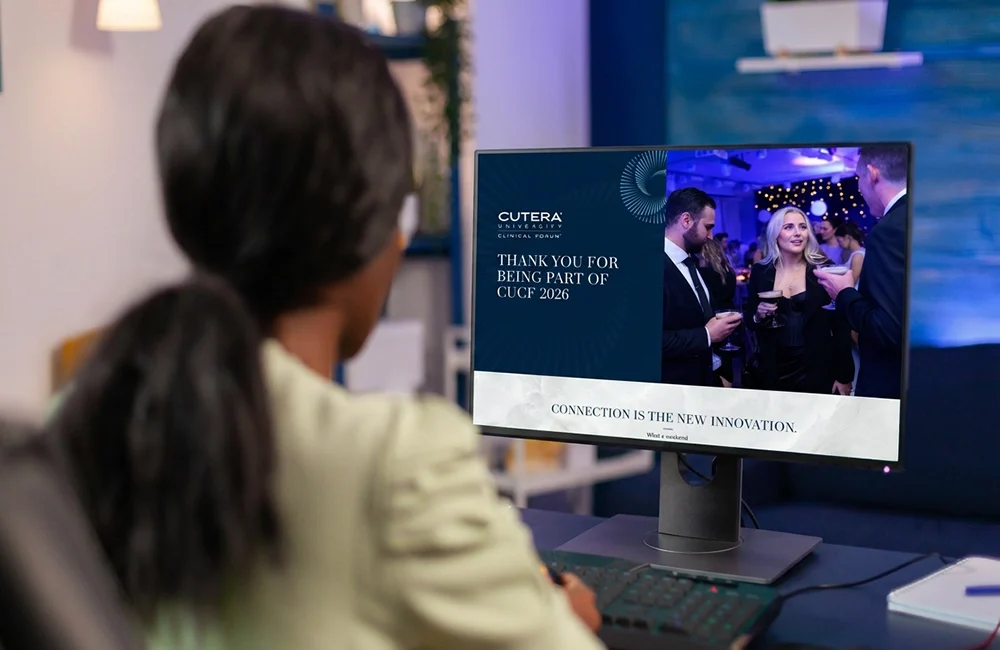
- Highlights template for social, ready to fill during the event
- Thank-you and survey EDMs
- Photography and videography brief aligned to the brand’s image style
- “Save the date” creative for the next edition, released while attention peaks