Let’s dive into a detailed comparison of WordPress and Squarespace to see why WordPress might be the better choice for your business.
Choosing the right platform for your business website is a crucial decision that impacts your site’s customisation, scalability, and overall functionality. Two of the most popular website builders, WordPress and Squarespace, each have their strengths, but they cater to different types of users. While Squarespace is known for its simplicity and design-focused templates, WordPress stands out for its flexibility and extensive customisation options, making it a preferred choice for businesses looking to grow and adapt.
WordPress is an open-source platform, meaning you have complete freedom to customise your website. With over 55,000 plugins available, you can add virtually any feature or functionality to your site, from advanced SEO tools and e-commerce options to booking systems and email marketing integrations. WordPress’s flexibility is unmatched, allowing businesses to create unique and highly functional websites
Squarespace is more limited in terms of customisation. It provides a selection of pre-built templates with built-in features, which is great for simplicity but restrictive if you want to customise beyond what the platform allows. While Squarespace offers add-ons and integrations, they’re limited compared to WordPress, which can restrict business growth as your needs evolve.
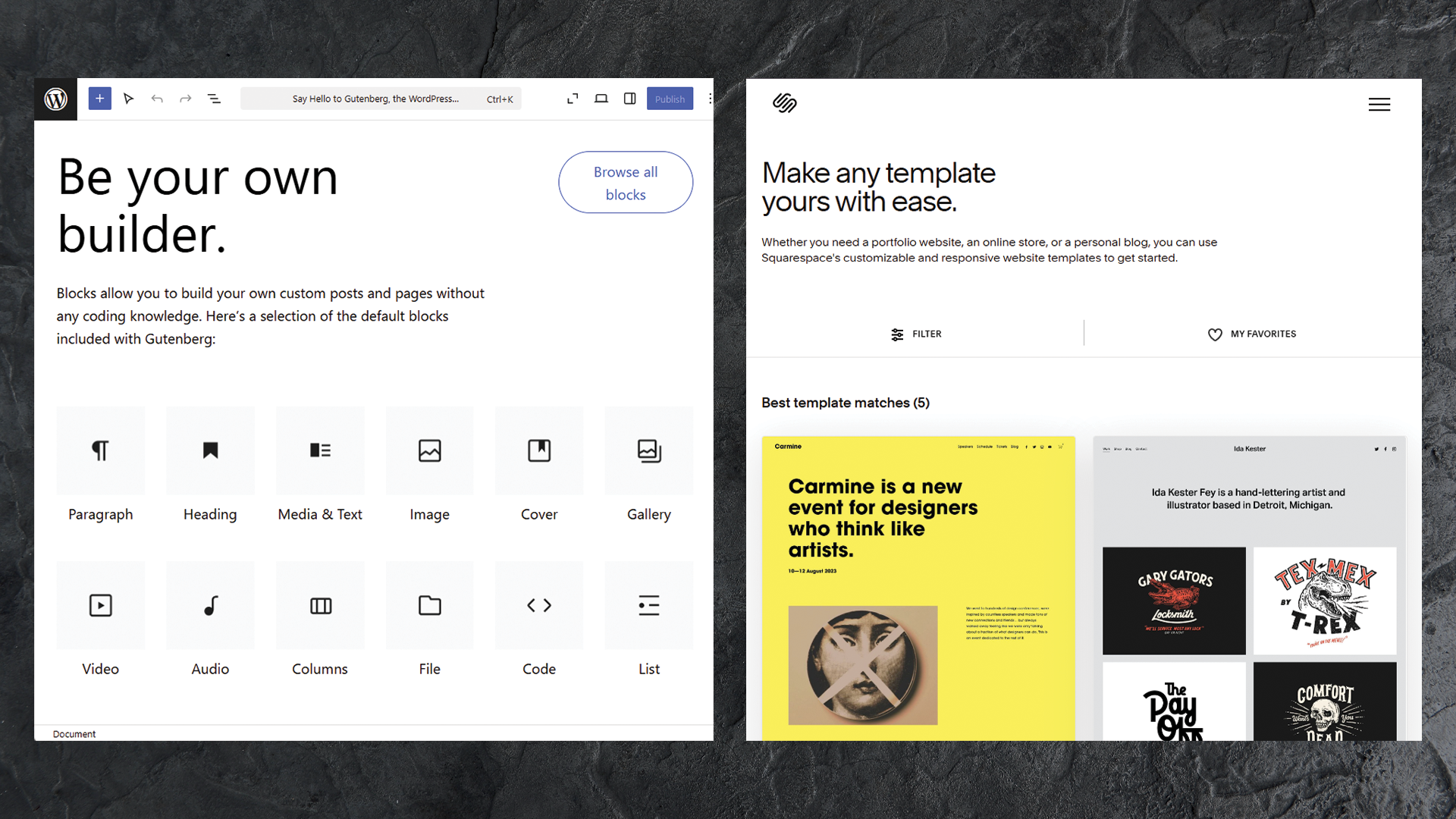
With thousands of themes available—both free and premium—WordPress allows businesses to design a website that fits their brand identity precisely. Many themes are responsive, mobile-friendly, and fully customisable, allowing you to adjust layouts, colours, and fonts easily. WordPress themes cater to a wide range of industries and are ideal for businesses that want a unique, branded look.
Squarespace offers a curated selection of visually appealing, professional templates, known for being user-friendly and attractive. However, the designs are limited, and there is less room for customisation compared to WordPress. Squarespace’s design options are ideal for small businesses with straightforward needs but may lack versatility for companies that want more control over their brand’s look and feel.
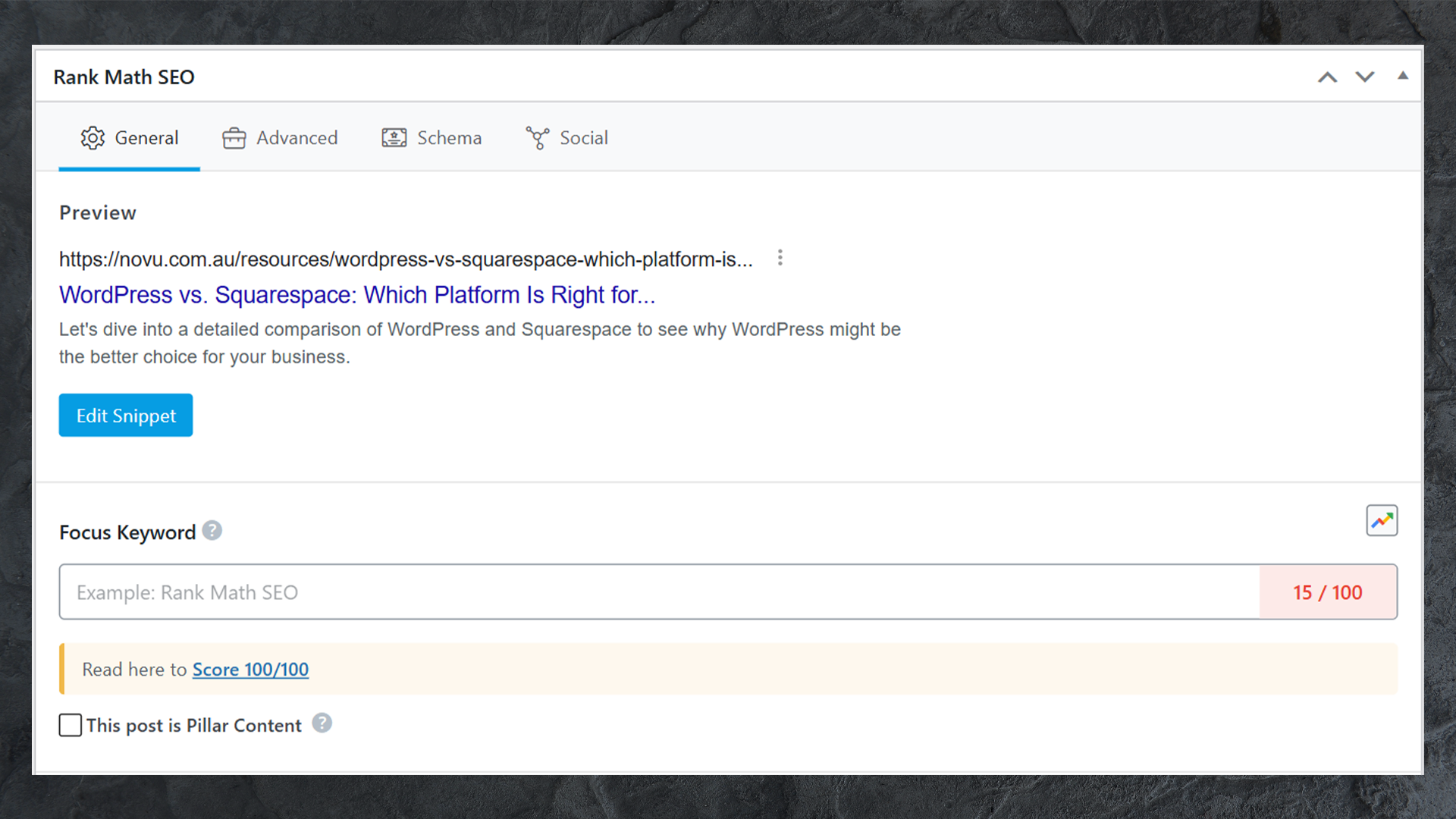
WordPress is highly regarded for its SEO capabilities. With plugins like Yoast SEO and All in One SEO, you can optimise your site for search engines with in-depth control over metadata, sitemaps, keywords, and more. Additionally, WordPress offers fast load times and mobile responsiveness, both critical factors for ranking well on search engines.
Squarespace offers built-in SEO features, which cover the basics like meta descriptions and image alt text. However, its SEO capabilities are more limited compared to WordPress, as it lacks the advanced control and detailed SEO plugins that WordPress provides. For businesses with a strong focus on SEO and organic traffic, this can be a drawback.
With WordPress, you can integrate WooCommerce, one of the most popular e-commerce plugins worldwide. WooCommerce offers extensive options for managing products, payments, shipping, and taxes, and it supports a range of additional plugins to enhance functionality further. It’s scalable, so whether you’re a small boutique or a large retailer, WordPress can grow with you.
Squarespace does offer built-in e-commerce options, but it’s more limited in scope compared to WooCommerce. While suitable for small stores or simple product listings, it may not support advanced e-commerce needs like complex product variants, custom checkout options, or robust inventory management as effectively as WordPress.
WordPress is a highly scalable platform, making it ideal for businesses with growth plans. You can start with a simple website and expand it over time by adding custom features, pages, and integrations as your needs evolve. WordPress sites can handle high traffic, and there’s a vast community of developers who can help create custom solutions to scale.
With WordPress, you have full ownership and control of your site. You can choose your hosting provider, migrate your site, and access all your data without restrictions. This level of control is crucial for businesses wanting flexibility over their website.
Squarespace is an all-in-one hosted solution, meaning your website is tied to its platform. While this simplifies setup, it limits control over hosting and migration options. If you want complete ownership, Squarespace’s restrictions may be limiting.
While WordPress itself is free, you’ll need to pay for hosting, premium themes, and any premium plugins you choose. However, this allows you to tailor costs to your budget. As your business grows, you can add premium features without committing to a high monthly fee.
Squarespace offers straightforward pricing, with monthly subscription fees that include hosting and basic features. However, for advanced e-commerce or higher functionality, the costs can add up. While it’s affordable for simple sites, businesses needing more advanced features may find it more expensive over time.
When comparing WordPress and Squarespace, both platforms offer advantages, but WordPress excels in flexibility, customisation, and scalability, making it the ideal choice for most businesses. Squarespace is great for simple, visually appealing websites with limited functionality, but businesses looking to expand, grow their e-commerce offerings, or heavily optimise for SEO will benefit more from WordPress.